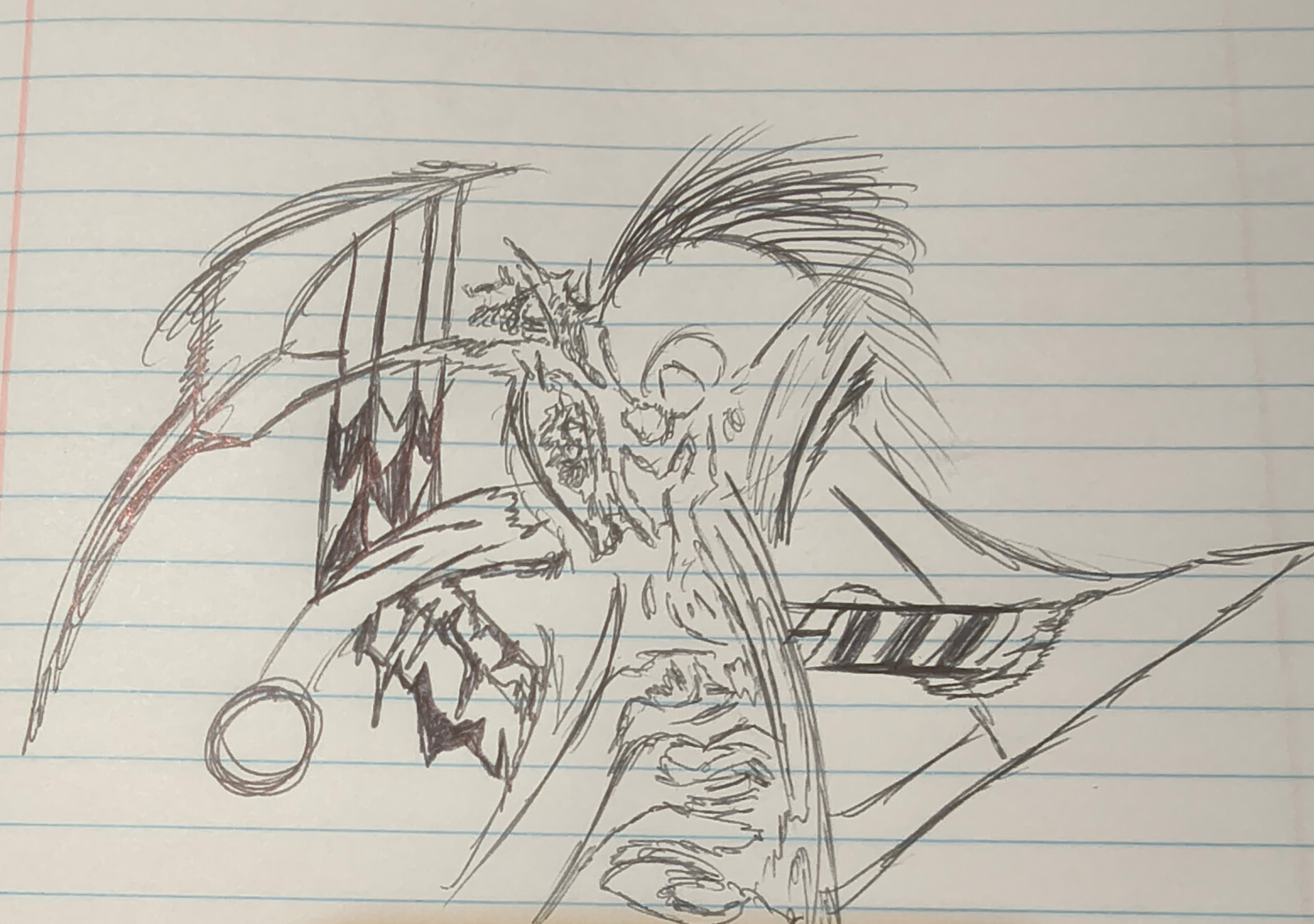
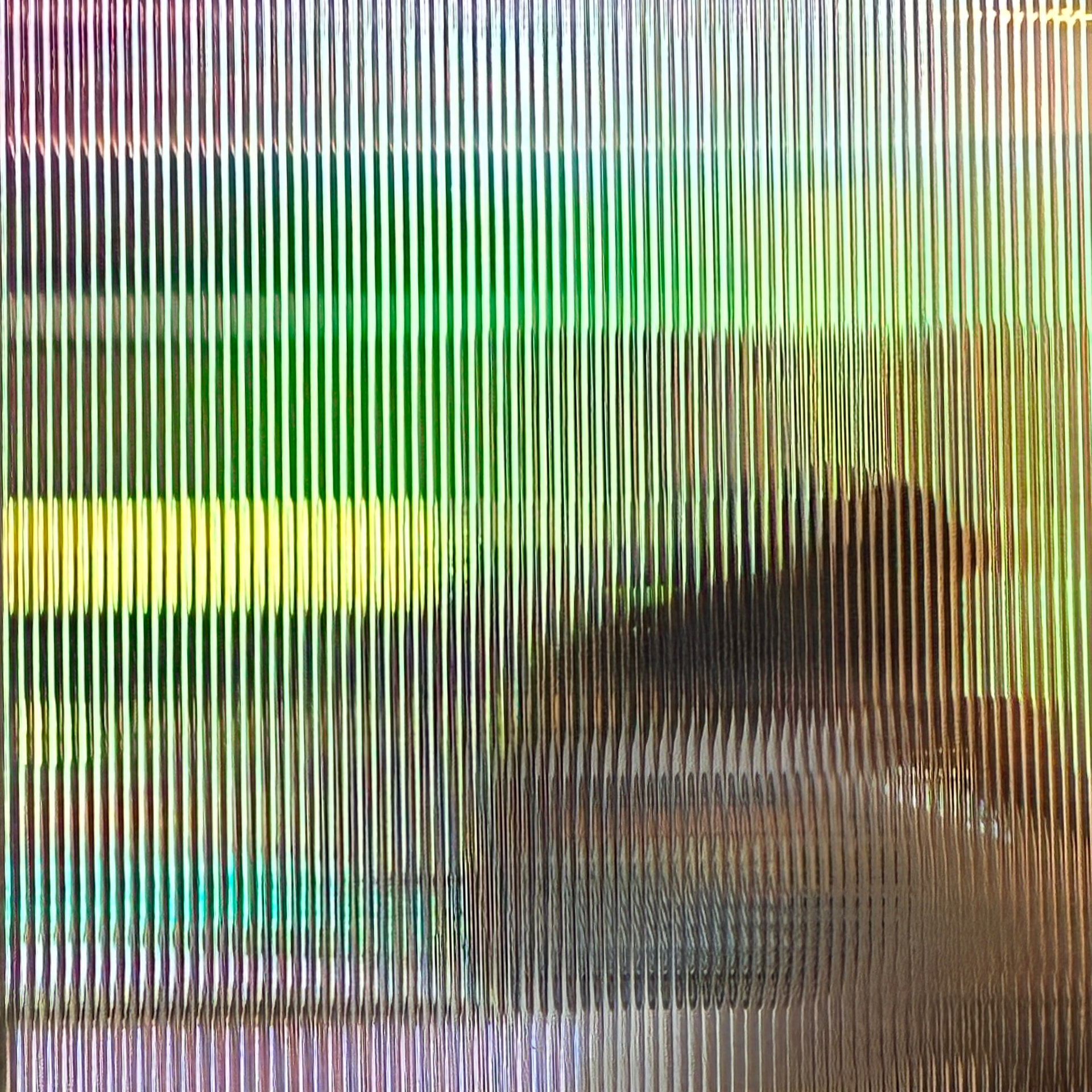
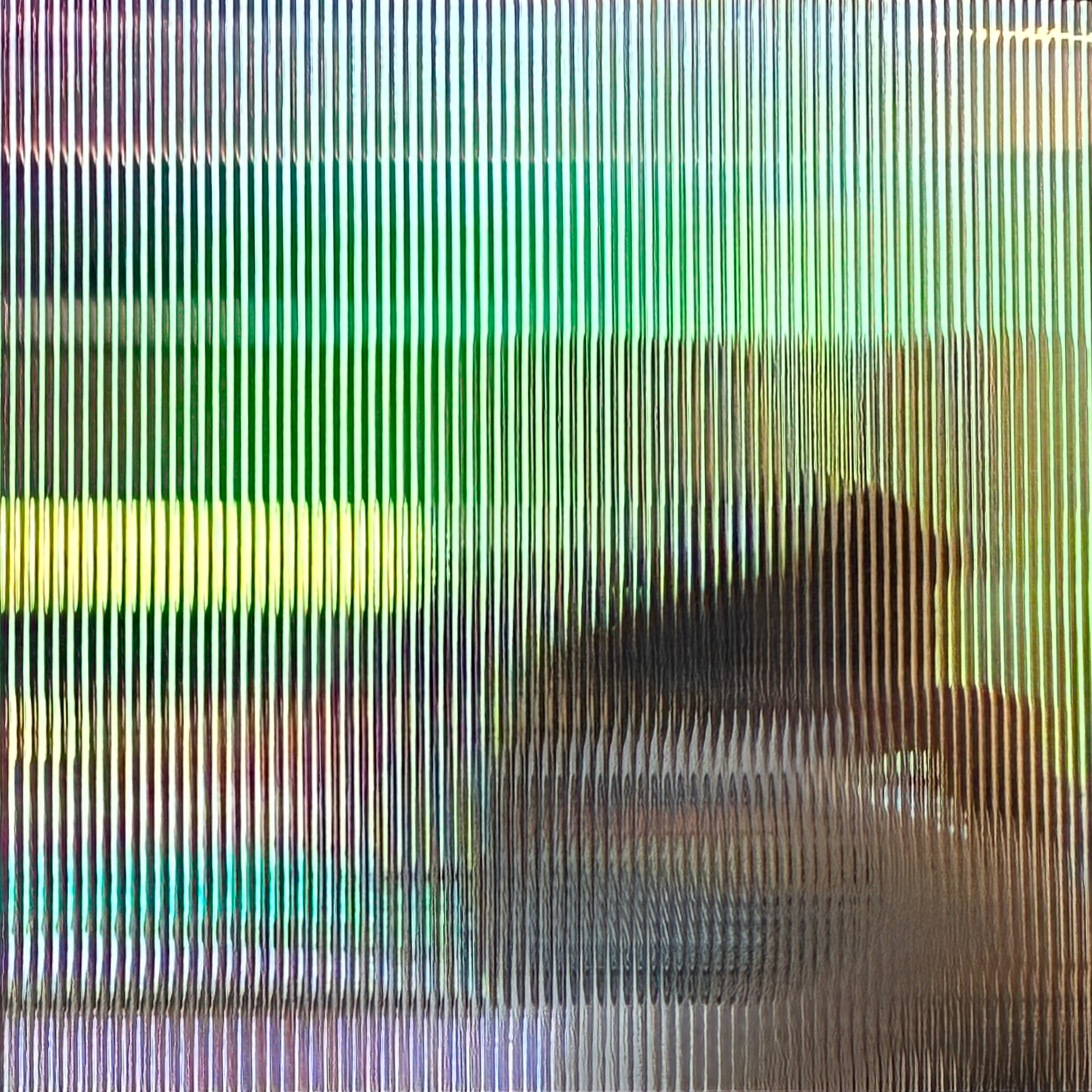
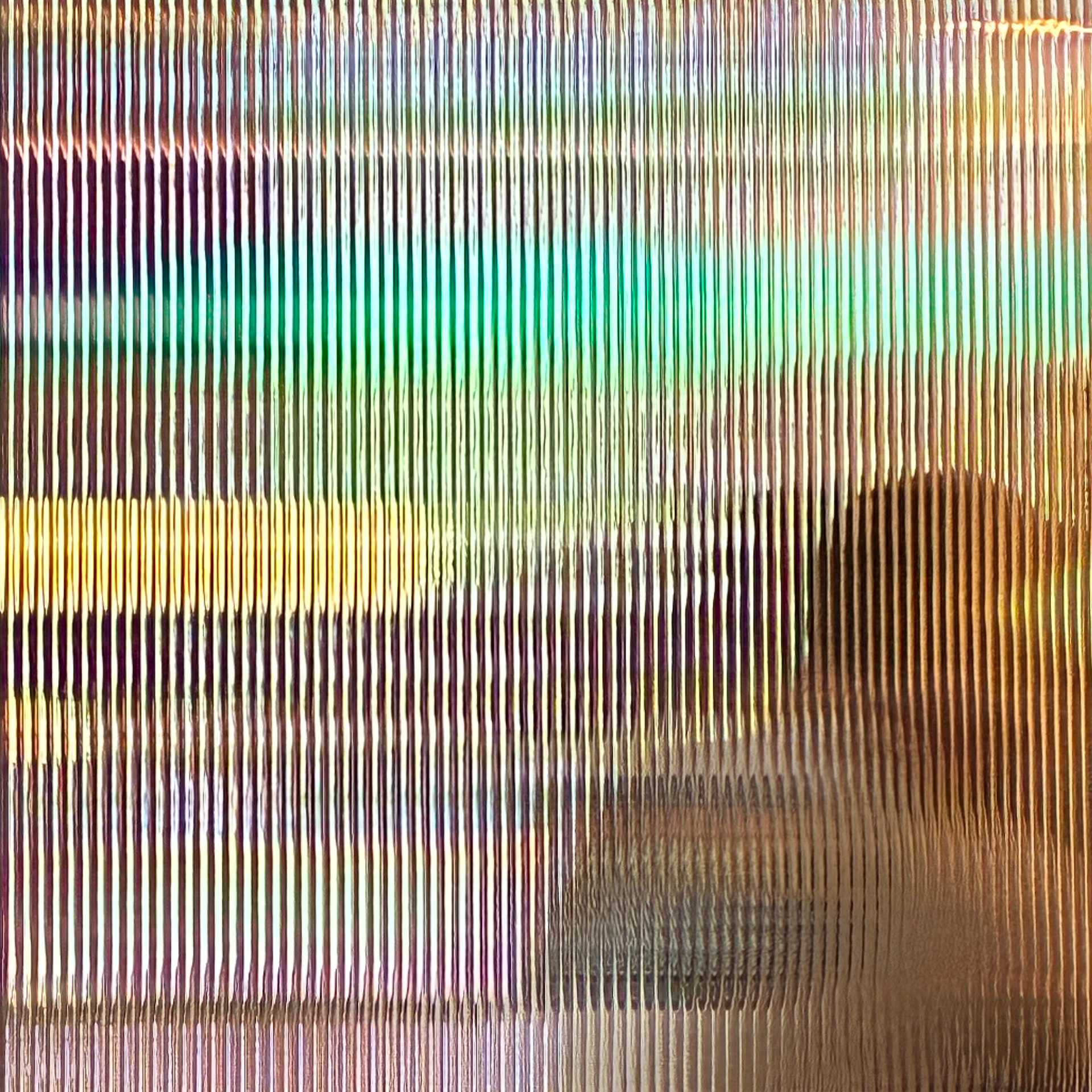
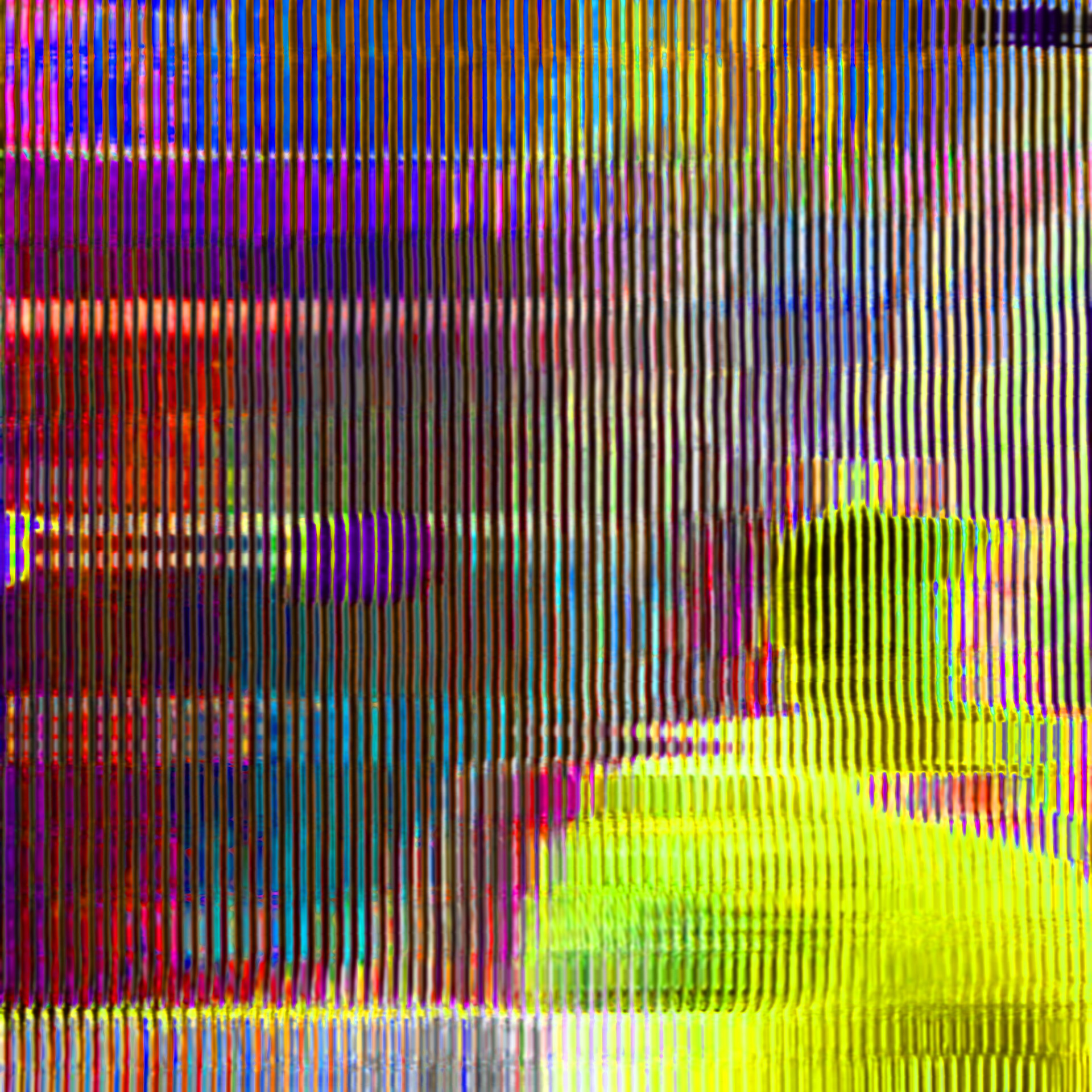
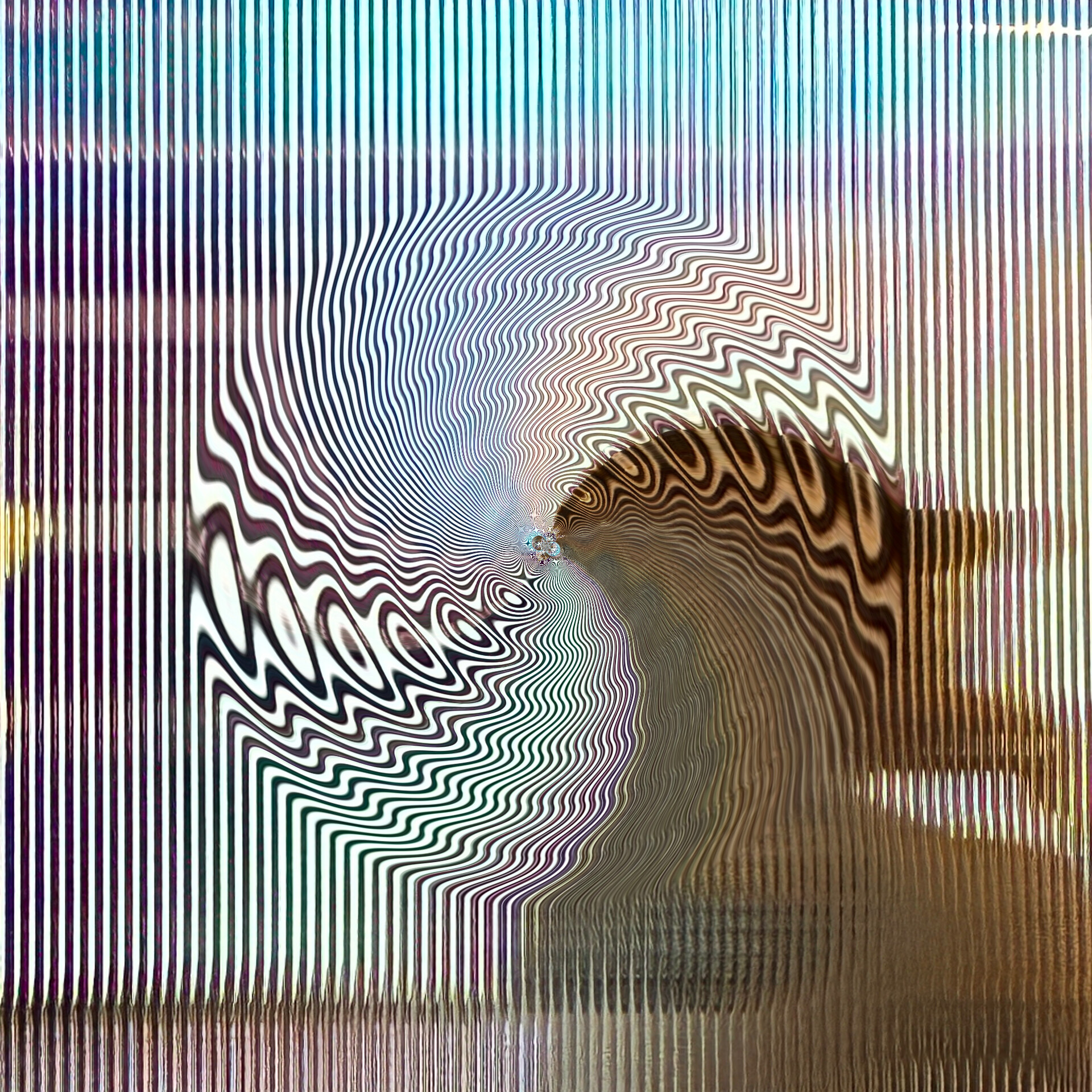
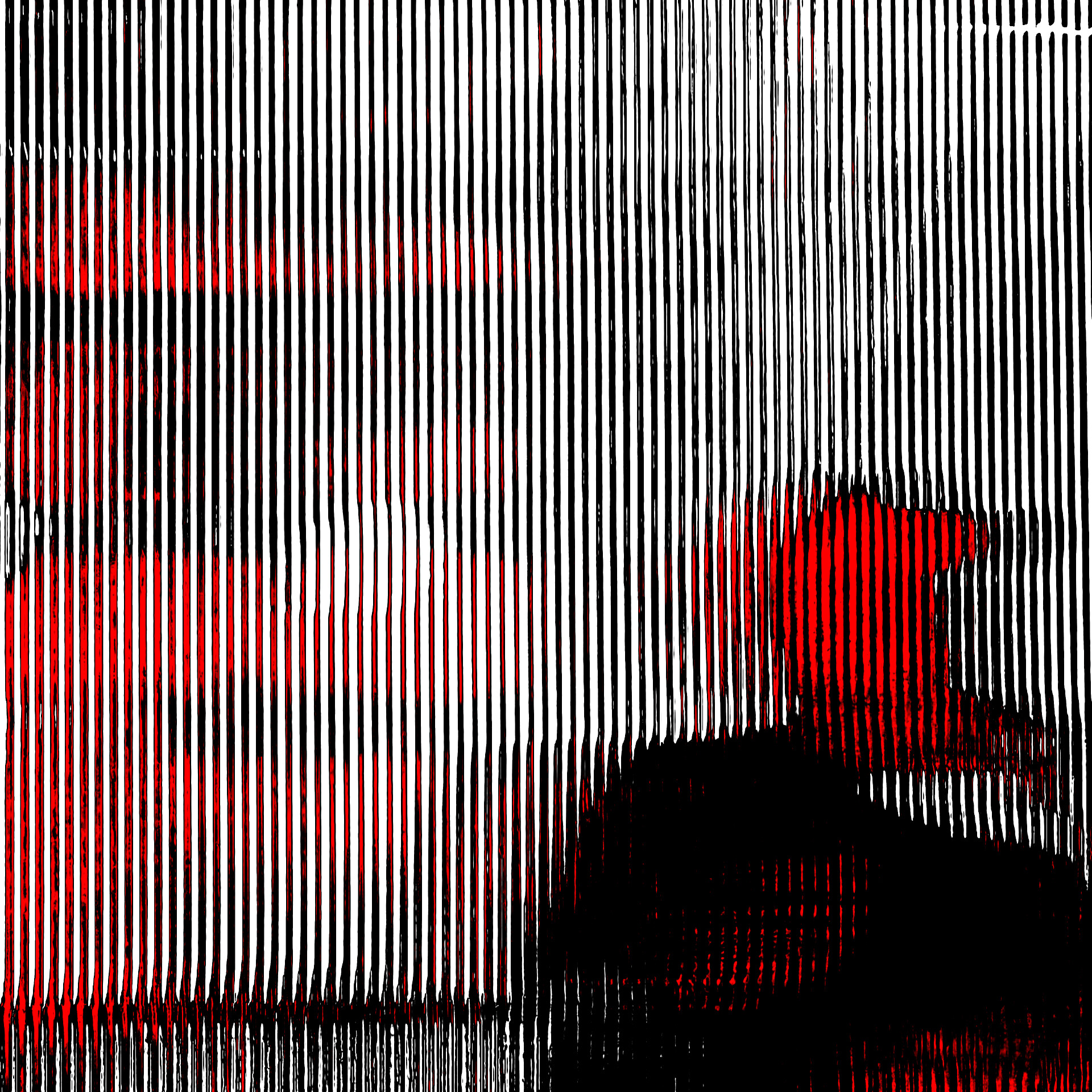
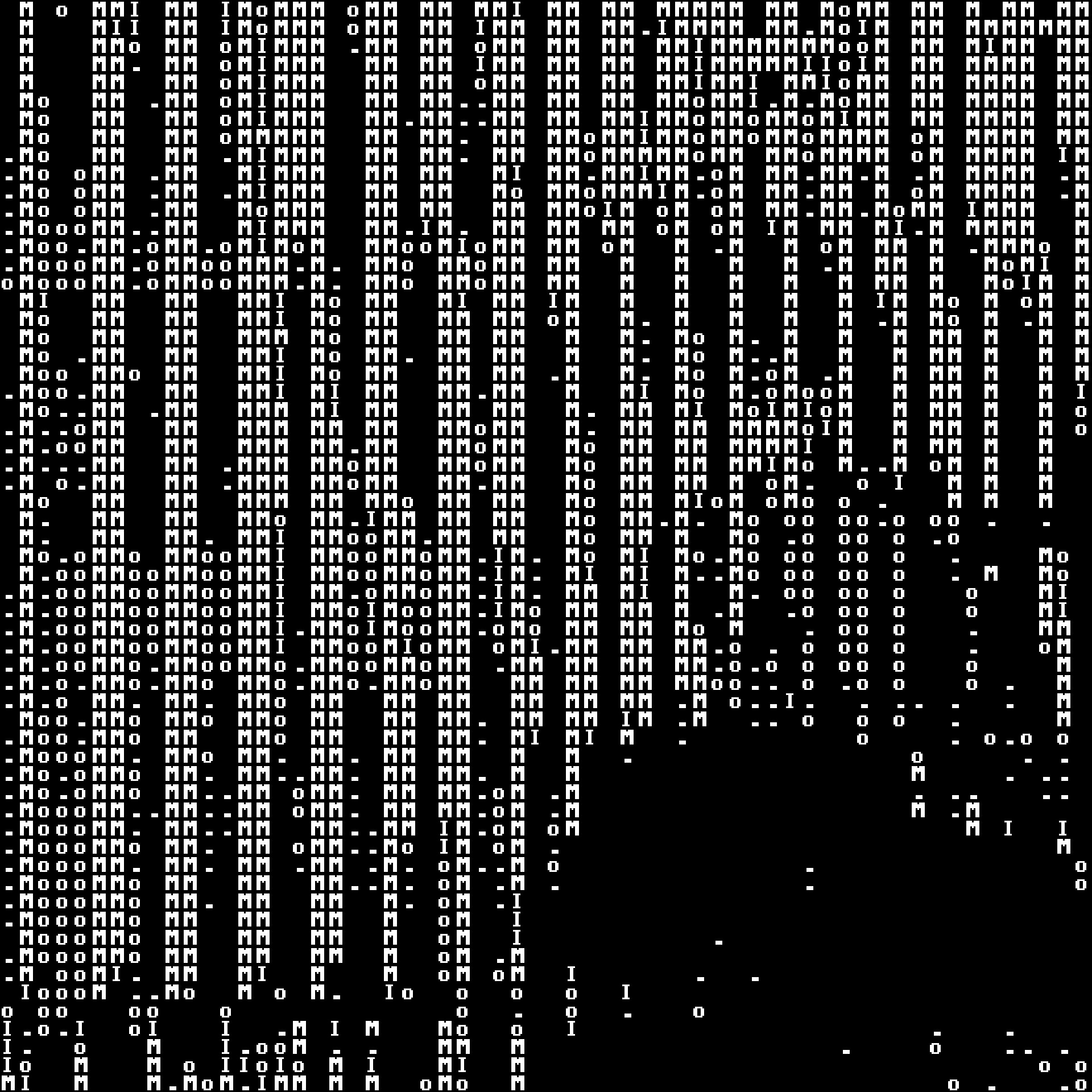
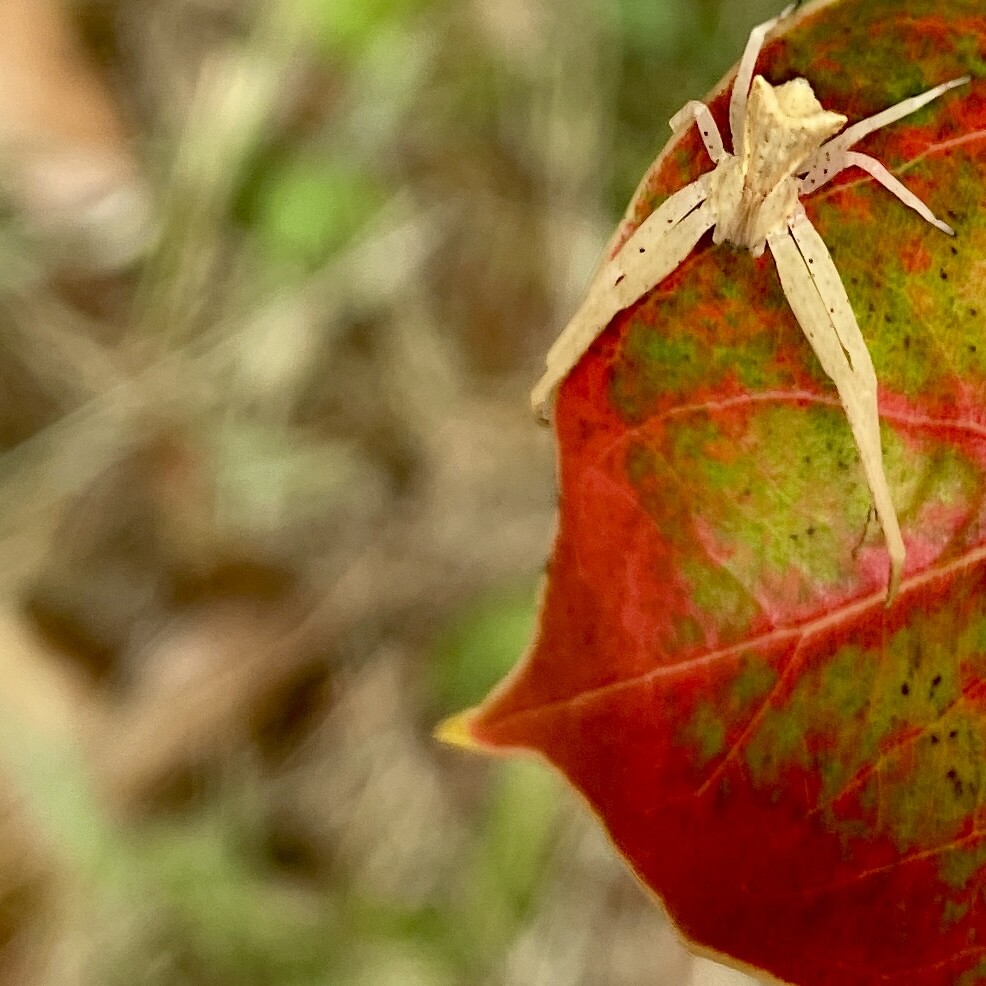
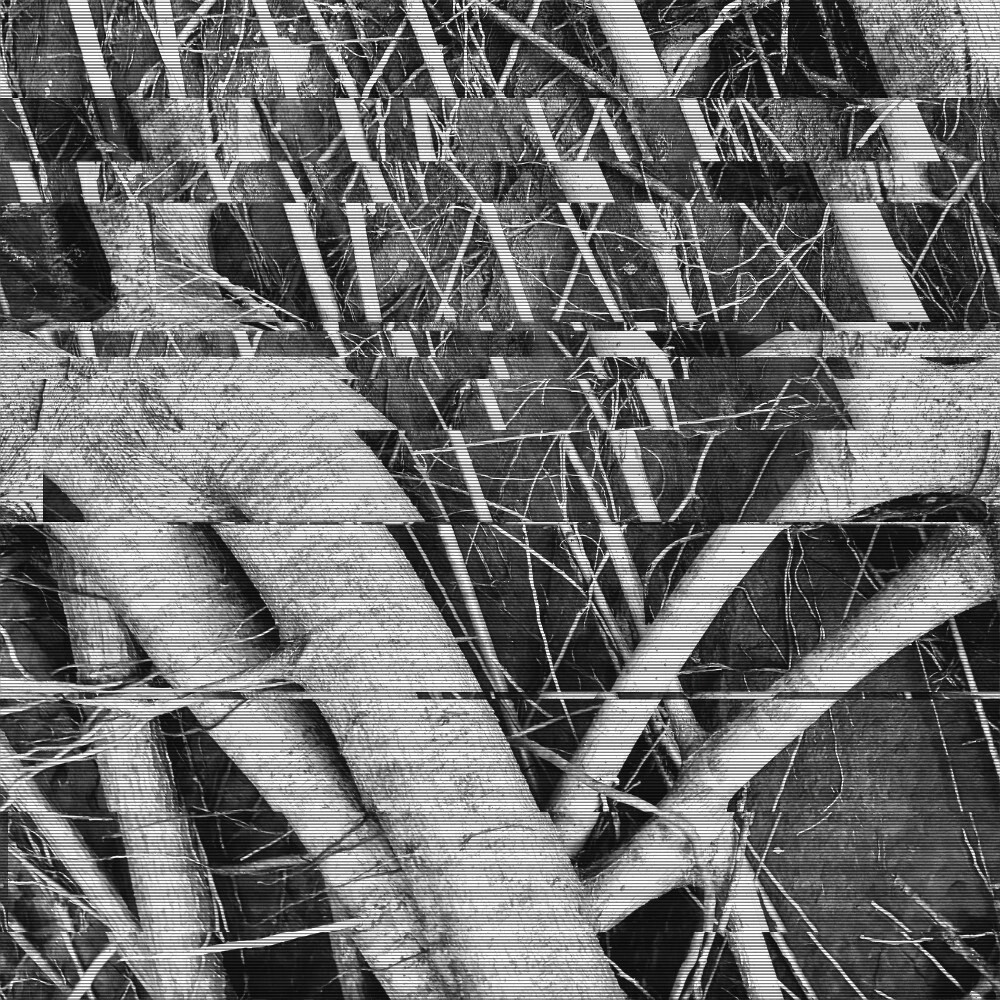
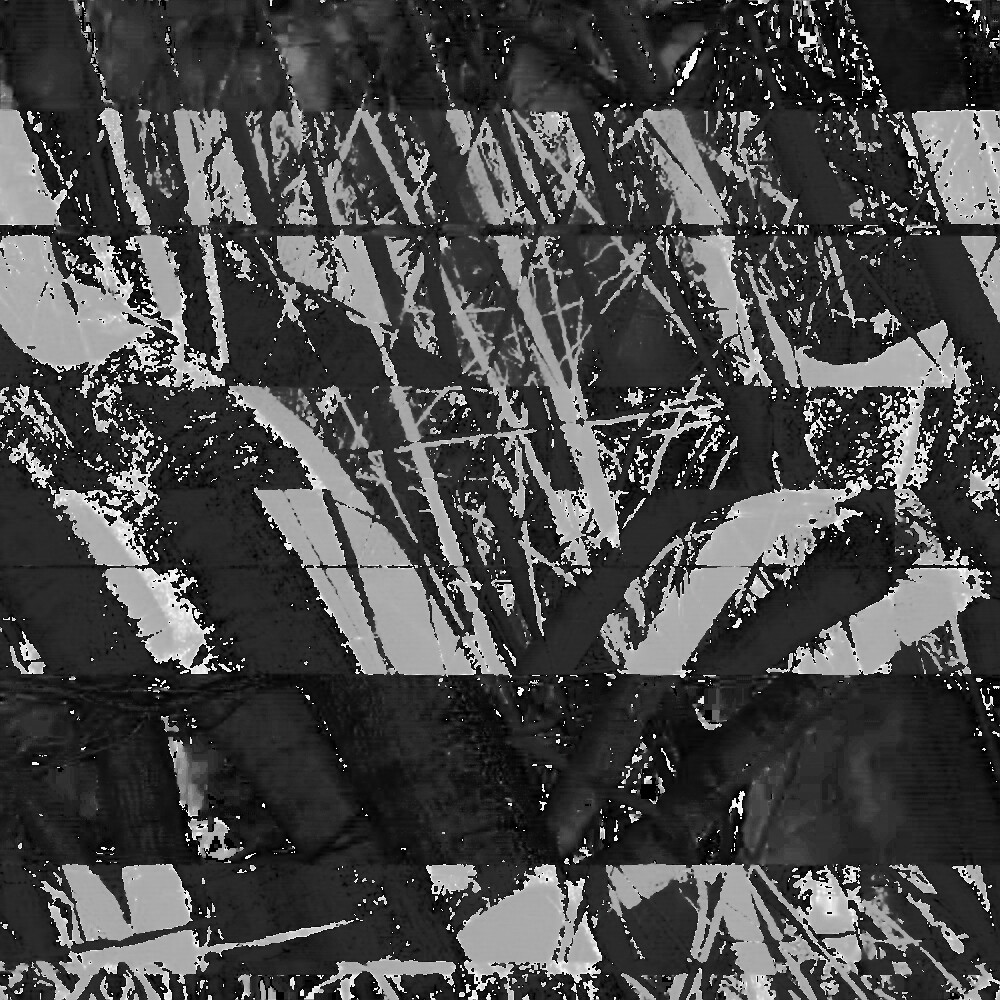
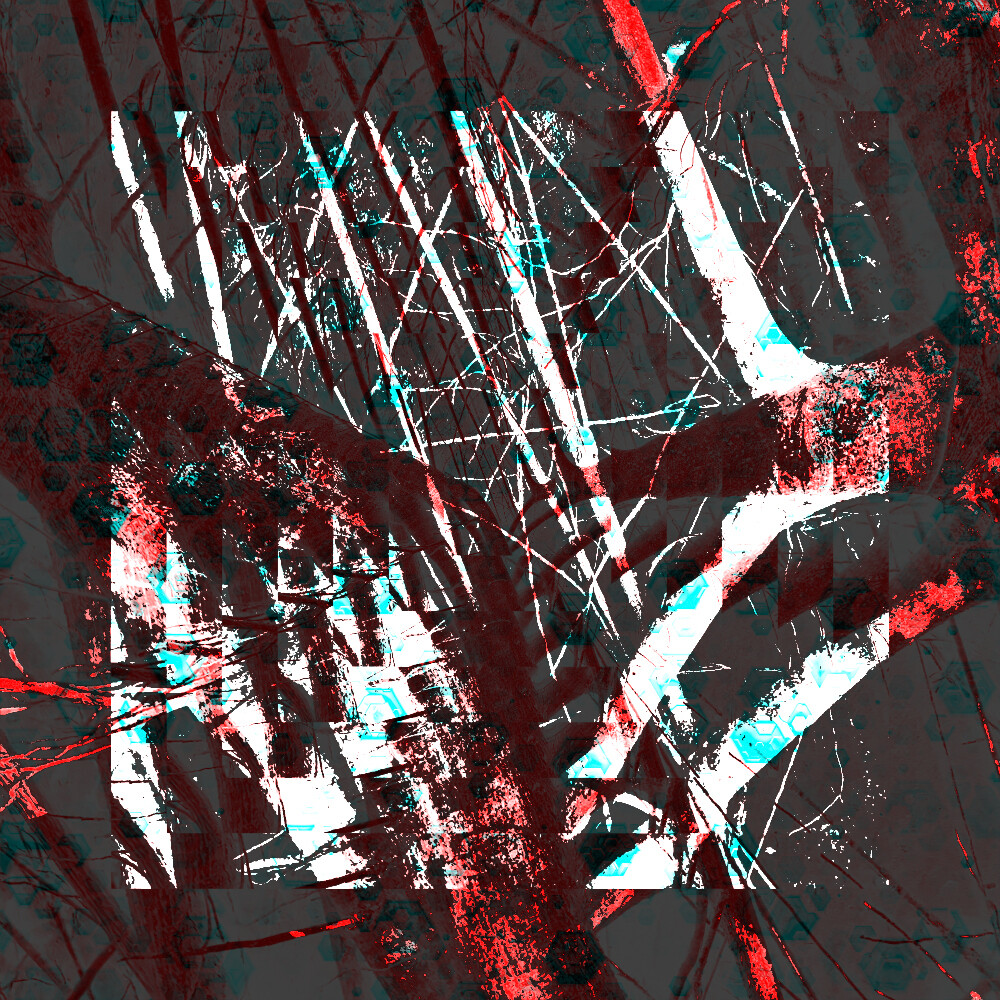
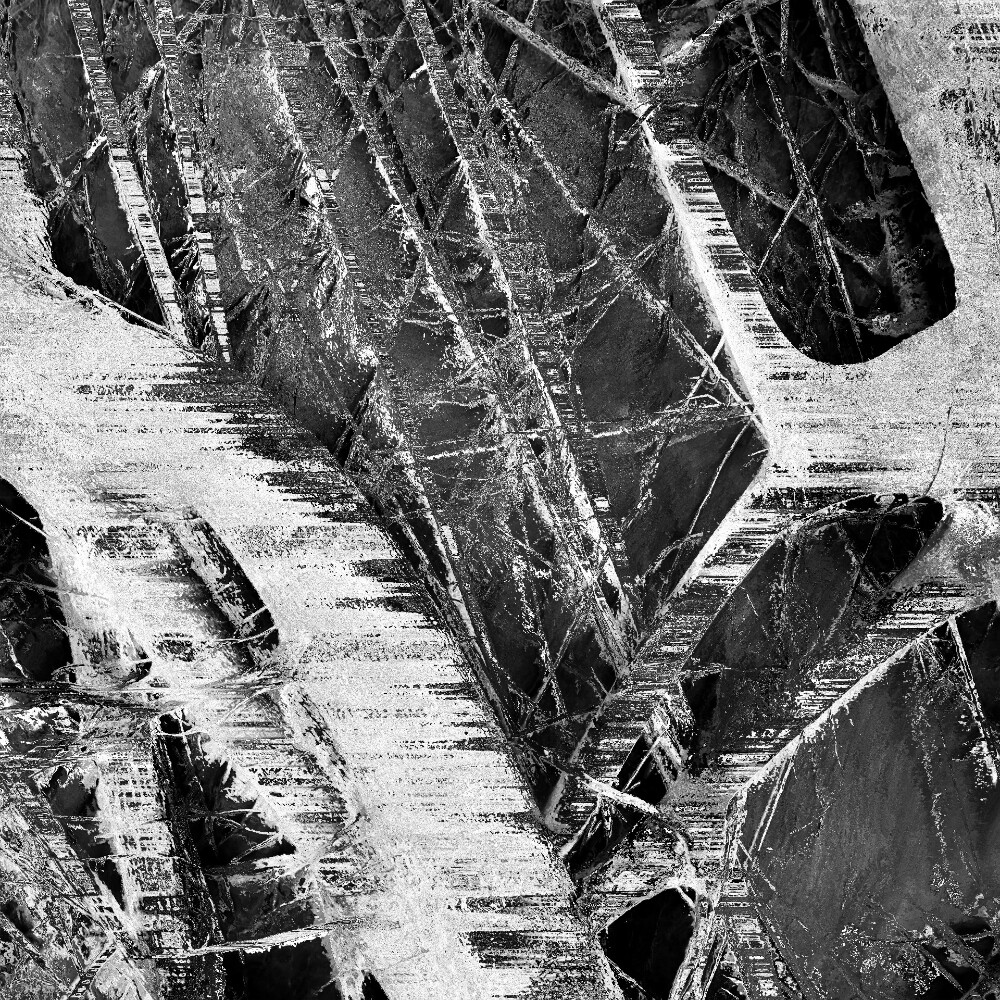
Was it this thread or the databending challenge thread?.
Whichever it was pretty cool it inspired you to do some glitch art.
Also 
Was it this thread or the databending challenge thread?.
Whichever it was pretty cool it inspired you to do some glitch art.
Also
dude… this awesome! gotta hand it to the peeps making sick digital art here. so cool to here about this place inspiring someone into an entire medium. that’s amazing. your art is fuckin dope too. you should talk to @manton about designin @glitchpulser album covers hehehe
Wow, I forgot about this. Thanks for the reminder! Also, hell yeah, a new challenger 
Welcome @MagnumPlaate, and I think you’re the winner here already – these are fucking awesome. Fantastic glitching and I’d love to see some of your process if you ever feel like sharing any of it. Also, I don’t think I’m the only one who would love to see more of this kind of stuff around here – you can never share too much good stuff like this, and you can always post the overflow into the thread @bfk mentioned
Hey there, welcome, and very cool art! You’ve got some really neat looking stuff there. I’ve never done any visual glitch stuff (on purpose, anyway), though I do have some experience with mangling audio with similar techniques. It’s a heck of a lot of fun.
I’m betting if you threw together a tutorial post on how to get started with audio and image glitching it’d get some eyes and people interested.
is there already a dedicated thread for glitch art.
make. a. glitch art. dump. thread.
tutorial for putting audio effects on images
download jpg
convert to .bmp
open audacity
select “import” → “import raw data”
import your .bmp image
select u-law or a-law, default endianness
split audio 5-10 seconds after start (to avoid editing file header)
select the 2nd audio clip (this is the image data)
apply audio effects (make sure the data remains the same length so the file can still be read)
ctrl-a
ctrl-shift-e
choose export destination folder
export as whatever you imported it in (a or u-law)
select .raw (headerless) file type
find the exported file and change the .raw type to .bmp in your files app (select the “display file information in name” setting for windows)
wank
i’ve made a lot of art in december, but since its from my first mental health crisis i’m not gonna show too much. i’ll post a few when i get home today.
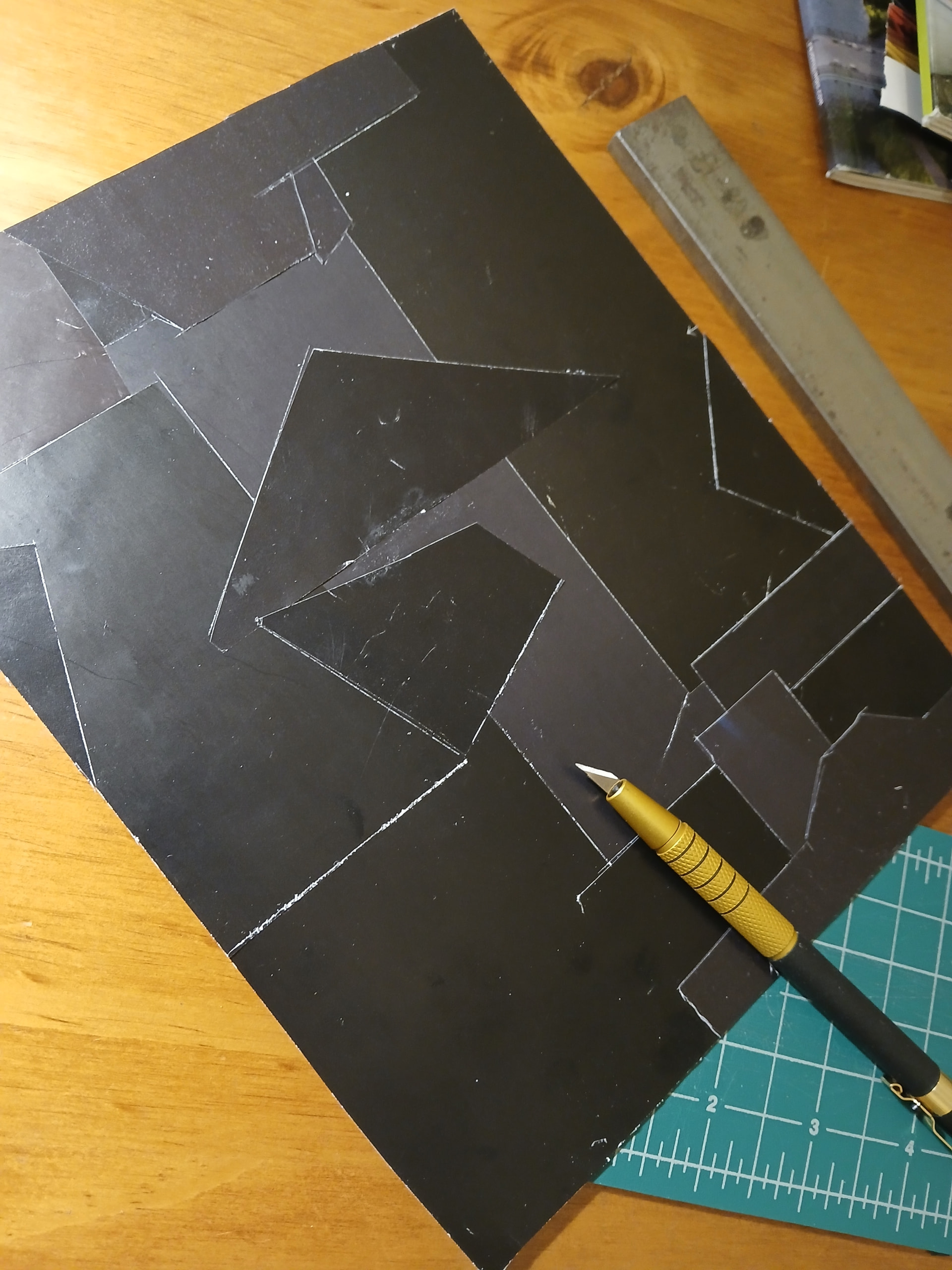
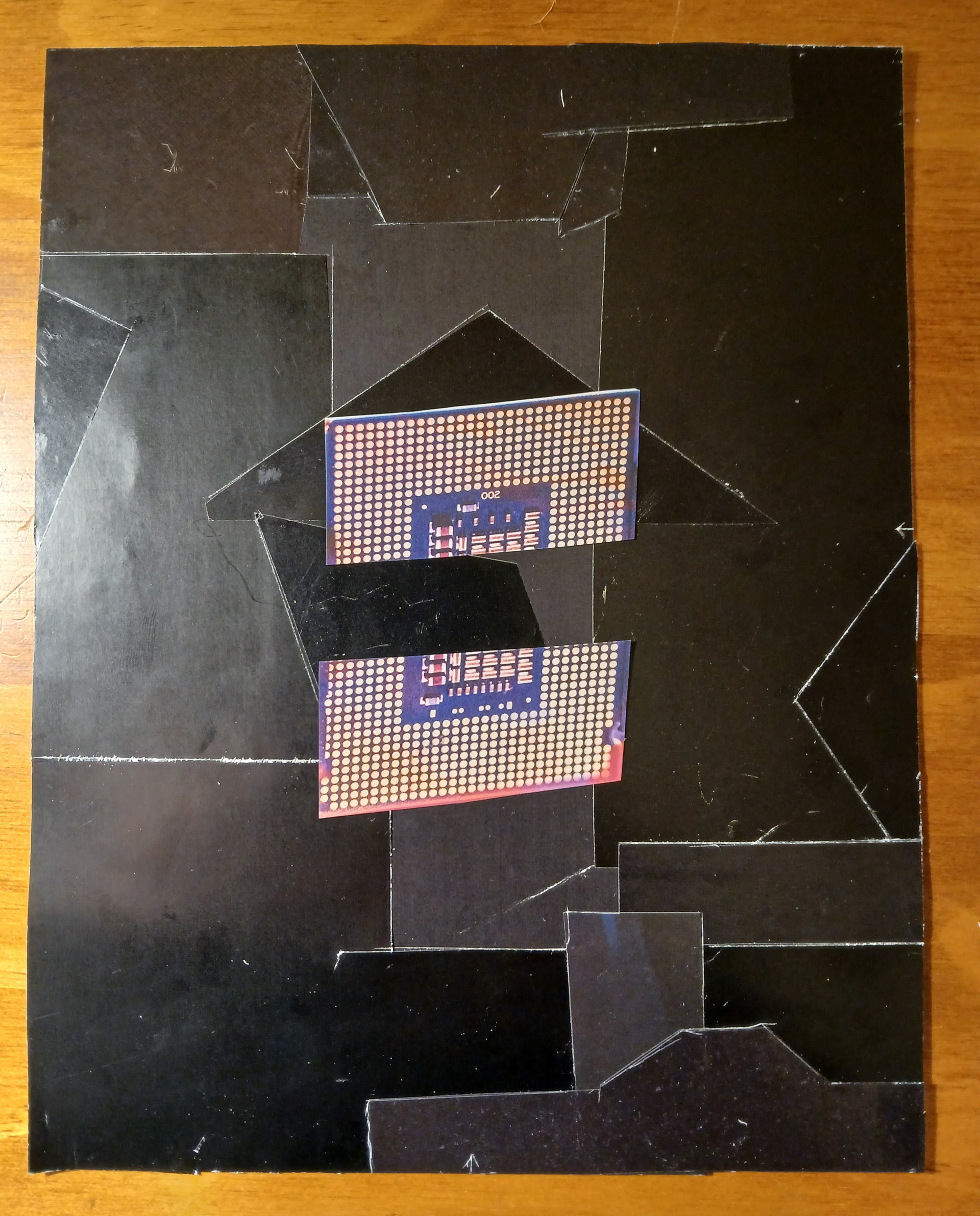
Background finished for my next collage. I have the image in my head and the pieces I need. This bled off from a different piece I started, but is on hold.
Tried a new technique I thought of and scored around the edges to bring out all the pieces. The straight edge is an old auditing tool.
This is pretty cool, man. Thanks for sharing your process!
Once I get a little more up to speed on picking apart binaries and can keep it afloat mildly, I really want to make a greater thread for shit like this. Seems like there are quite a few ways into an image file (and other types), and coming up with cool glitches like this seems rather heartwarming.
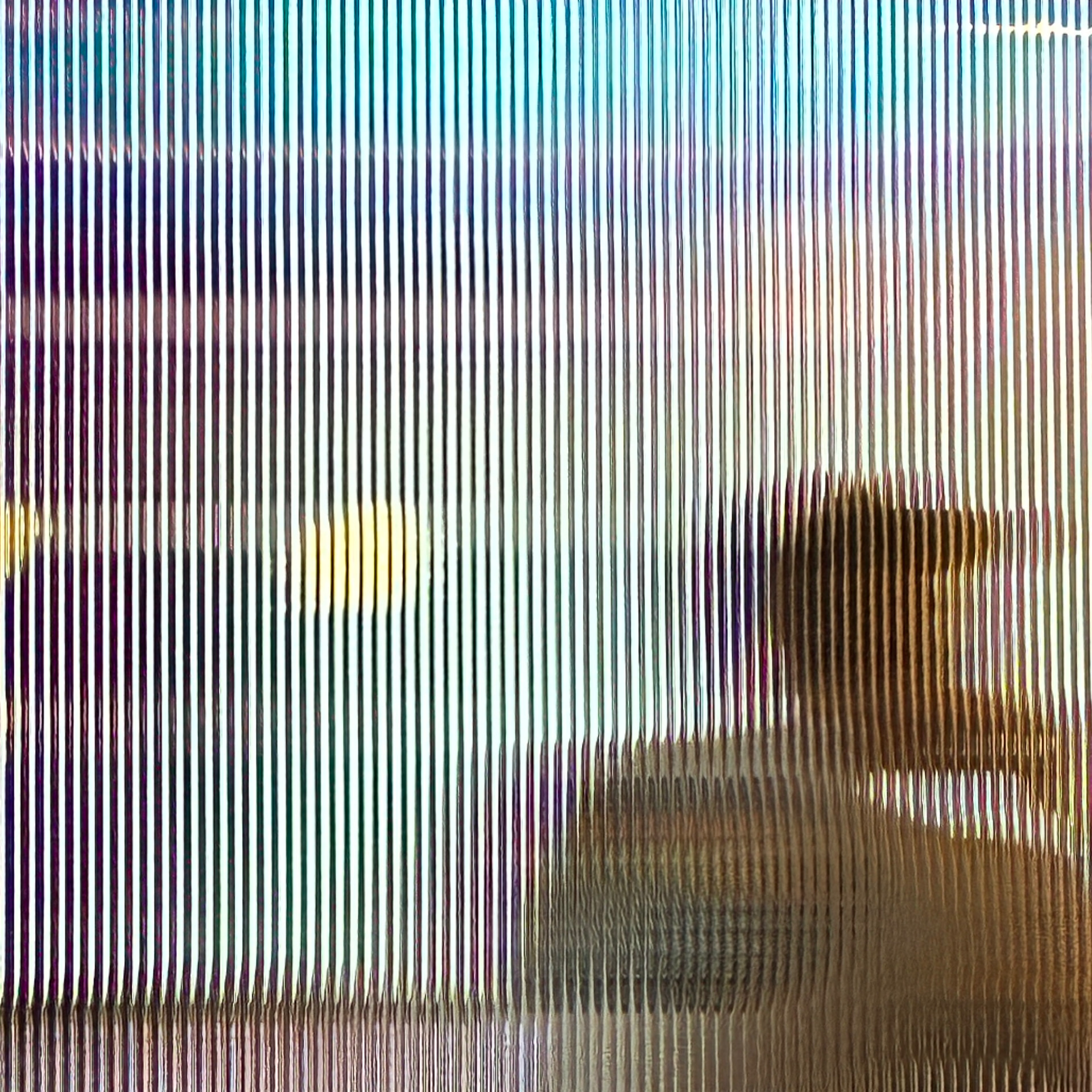
I love no. 2 and 3! can you please send me them in 2000x2000
I think all I got was 1920x1920 from those, but if you’ve got higher resolution I can try the same effect, or just sort of superimpose them onto a 2000x2000 canvas (wouldn’t be the first time!)
thisssssssssssss
I know the source res is probably scaled down by the forum, but you could upscale the photo in windows photo then glitch it to a higher res. 2000x2000 is what the platform want as minimum these days for covers.
That was me this time. I patch them into Processing pretty small so I can see everything in the window and then regret not changing it later 
ah shit yeah i didn’t even think to post the resolution requirements in that thead. Go at least above 1500x1500!