100%. There’s a ton of work already done on this and as usual I’m recreating the wheel a bit. What I ended up doing, as I usually do when I get lost in the woods, is remind myself that the goal is to output a single value between -1 and 1 to the DAC (really 48000 values a second), and work back from there. All the cool visualization stuff you get in a VST goes out the window and it turns into a math problem with variable order of operations that results in a string of single numbers.
Basic workings, feel free to skip
You start with a .wav file (or whatever format) - it has X number of samples based on what you want your length/resolution to be, lets keep is small and simple at 64. So the wav has a a 64-sample sine followed by a 64-sample square, and that’s it. We read that into a buffer and tell the software that wave #1 is samples 0-63 and wave #2 is 64-128. If you want to play a square wave, just loop 64-127 over and over. So far so good.
To move between the two, for each 64 steps of your loop you read the value at both wave 1 and wave 2 and interpolate between them, scaled by where you are in-between (ie the midway point is just 0.5), basic linear interpolation. The math ain’t hard but gen makes it dumb simple with the mix operator which does linear interp for you. Map a knob to the position/contribution and you can dial in where you are between them.
So now you can easily move through the “in-between” stages of two waveforms. To get more complex, throw a triangle wave in between the sine and square in your .wav - now you have 0-63: sine, 64-127: triangle, 128-191: square. Nothing really changes except you have to tell your software that the wave file is bigger and where the indexes are. If you turn your knob to halfway, you get a triangle, anywhere else and it interps between either a sine and triangle or triangle and square.
Where it gets interesting and more complex is expanding the idea to multiple dimensions: your software indexes all the waves into a 2D (or ND) matrix by row and column. You pick row 3 column 4 and hey, that’s a sqaure wave or whatever is in that spot in the .wav file. The actual file is still just a linear set of waveforms one after another, you’re using the software to ‘chunk’ them into discrete waves by indexing into the big wave in a specific way, in this case an NxN matrix. It’s purely organizational but it does give you another way to approach using it. But at the end it’s doing the exact same thing as the trivial case: interp between two numbers based on position index.
It’s pretty easy to extend this to a 3D setup, after all the “higher dimensions” are really just an organizational/software cheat - it’s still just a bunch of waveforms one after another in a wav file. You pick X=2,Y=4,Z=5 and it figures out where you’re talking about and indexes a little 64 sample chunk. But there’s also the idea of an actual 3D audio “landscape”, think of heightmap/terrain map but for audio, where z = f(x,y). So you’re feeding it positional data and it’s returning a single z value (the “height” at that location), and you can navigate that landscape by changing your x/y coods. I’m not sure this is something you can compute on the fly of if it’d need to be pre-computed. It’s something I’ve only read about but I get how it works in theory and am exited to try it.
Playback is sort of it’s own thing. Pitch is just how fast you loop through the samples. You mess with it the same way you’d mess with any other wave playback: fucking with the speed and position. Easy enough to base it on curve of some kind or an LFO, though you could also do reverse or granular or whatever. You’re really just changing the way the software indexes into each wave buffer.
So where does that leave the matrix mixer thing? It’s basically two steps - compute each input as above then scale the interp of those numbers based on the relative values of the mixer - input #1 is half way between a sine and sqaure at 30%, input #2 is 90% supersaw 10% sine at 70%, etc. You’re just doing all the individual computations first and then doing the math to mix them. Still not sure if it’ll work like I’m expecting or product anything interesting.
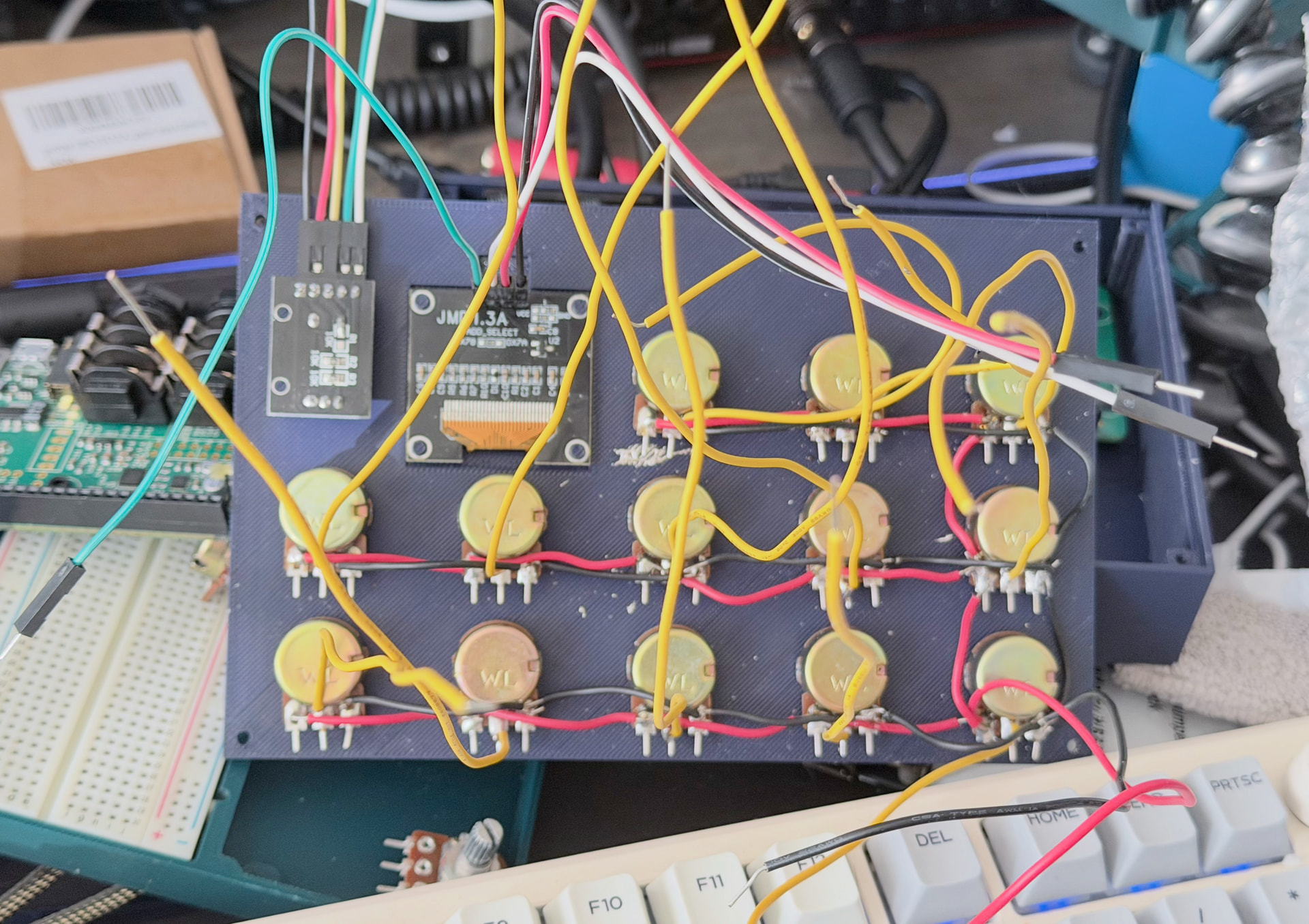
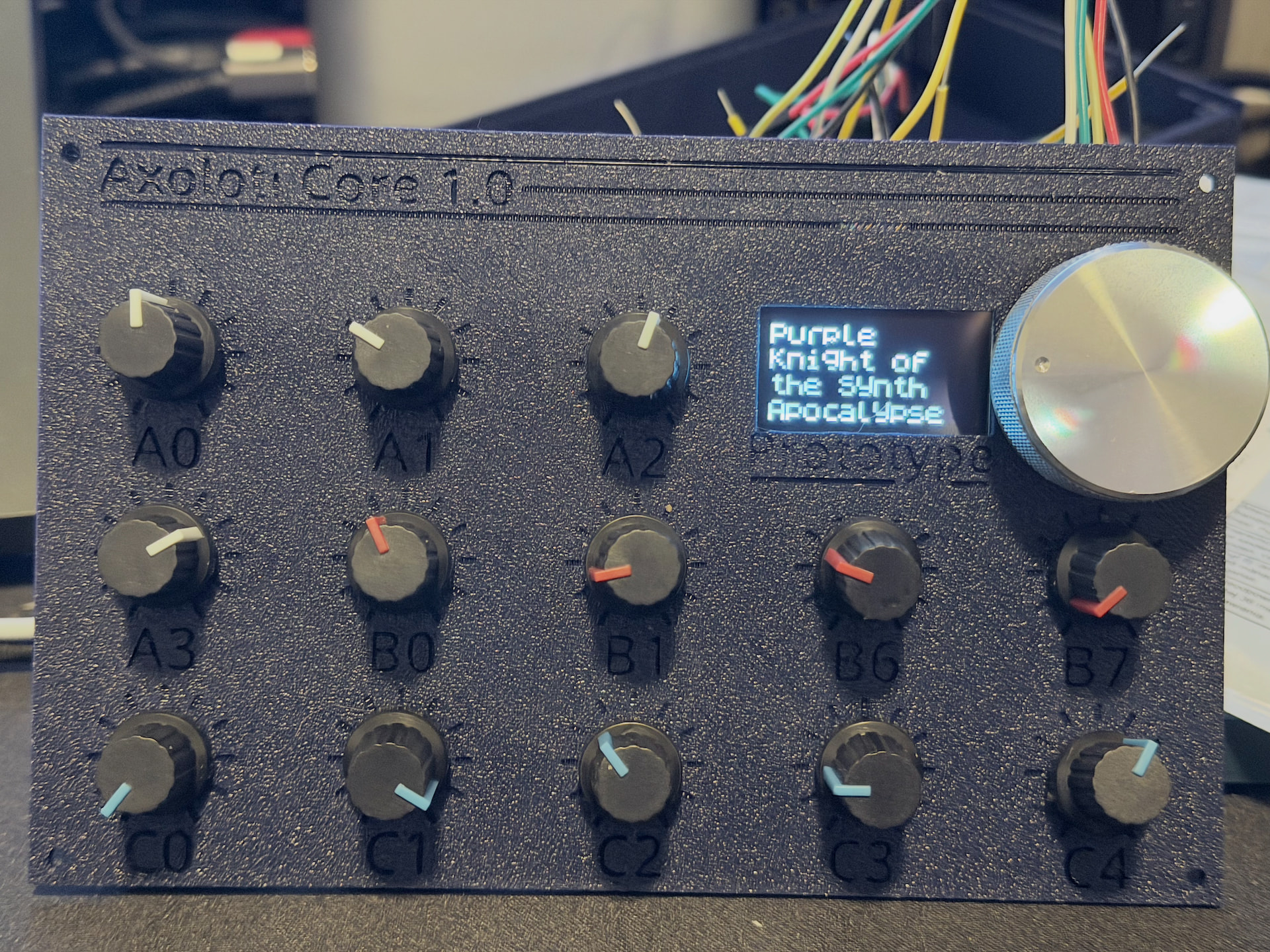
 Stems from switching to I2C display vs SPI… But what’s another few grams of PLA and an hour… I needed to make a revision to a cutout for the display anyway



 or was it I2S… I think those are mostly DACs…