yeah it looks like the JST connector on the battery is reverse polarity of the one on the board -_-
welp. fuck.
yeah it looks like the JST connector on the battery is reverse polarity of the one on the board -_-
welp. fuck.
I looked at their own batteries and the JST connector on those are wired like their boards, naturally. Only reason I got another was they don’t have one the right dimensions to go into one of the cells of the Trellis case.
Bummer.
Well, wavetables have been a wild ride. Between taxes and an epic snowstorm I managed to not get quite as much done as I wanted, but most of the building blocks are there and functional:
Multiple wavetable units with (soon to be selectable) AM, RM, PM or linear or exponential FM as both feedback network and cross-modulation.
Filter antialiasing on the modulation and switchable ADSR/onepole sweep on both the modulation and final unit output.
Wavefolding switchable on the modulator (that gets funny quick), the unit and the entire output.
The beginnings of a windowed waveform selector so you can load up any audio file and snag tiny chunks to use as wavetables, and move it around or scan through it while you play.
The whole thing is driven by an internal tempo/phaser, but I’d like to expand it to be controlled both externally and by a microtiming/tick system I’ve been playing around with.
Right now the thing is just a spaghetti mess of chunks, like there’s an AM prototype and an FM prototype etc. Next step is plumbing everything into a cohesive whole. The problem with these things is when you dig into the inner workings, you find about a billion different parameters to control that normal hardware and vsts solve by just setting reasonable “musical”/useful values and hiding them. But where’s the fun in that? So I need some sort of control scheme that’s both deep and useful, and probably a way to save presets of those values when I come across ones I like, and maybe a way to randomize everything…
I’ve got it set up to just run forever based on the phasor driver, but I want to add MIDI input and the ability to tie it into a sequencer (as part of the aforementioned microtiming system), as well as potentially do some microtonal tunings if I can figure out how to implement it.
I had a ridiculous idea about maybe somehow saving the units as individual prototypes and then using codebox to instantiate x number of them in a cascading system where you pick how many you want and it hooks them all up. I have no idea if that’s even possible but it might be a fun way to quickly build out crazy systems.
One funky direction I went in for a bit was selecting like 5-10 sample chunks and then granularly playing them back as a “granular” wavetable with all the bits and bobs a normal granular system has. It sorta worked but I think the source material wasn’t great and my implementation definitely wasn’t, but it’s something to play around with down the line.
seems relevant to the nerds here
for widening a breadboard for those wide microcontrollers
so apparently on a Mac you can use option+Z to type Ω and this pleases me greatly.
so I got a late birthday present. someone got me a Daisy Pod  which is a sorta prototyping dev board for the Daisy Seed. I have 19 days left on a Max 9 trial. Max 7 doesn’t seem to function on modern Macs. It installs and runs but can’t seem to get the activation page to show up, and iirc 7 didn’t come with Gen~ which is how you export C code
My idea right now is that I can use Max patches (or Pure Data, because free, has always felt kinda janky to me though) to get an idea of how to do things in C
Gen’s been in Max since v6, so like 2012. I didn’t use it until the latter half of v7 and really started slowly, so I really say what functionality it’d have compared to v9. No clue about the activation page as I don’t use a Mac, but I’d think Cycling’s support would be happy to help, or at the very least confirm that it’s not compatible.
To my knowledge, Max/gen only exports C++, not C (which is a little weird since externals are written in C). I don’t know if that makes a difference to you but possible worth pointing out.
Man, you got cool people that know how to buy nerdy presents. I mostly just get socks and gift cards 
When I got Max 7 I’m pretty sure it was a separate purchase at the time, like an extra $99 at least that’s what I remember. I could always be wrong. I know it’s definitely included now either way.
As for Max 7 it’s a 32-bit (lol wtf) x86 program. Rosetta 2 does a lot and it does run and there are support articles for the black screen for sign in that didn’t work. I may give it a shot again Soon 
The number of cases people design for things that don’t just snap-fit is too damn high lol. Maybe it’s just easy on TinkerCAD
well I just fucking broke it -_- I printed a case, that I did not think through, and got it stuck. trying to work it free my dumb ass managed to put my ham-fisted thumb onto a component which immediately ripped off.
fuck. my. fucking. life. I need a hot airgun or some bullshit to put this thing back where it goes, or some janky as fuck wiring. some sort of surface mount large capacitor part of the headphone volume.
the fucking ADHD tax is real. I’m gutted. I guess at least I can salvage a $24 65MB Daisy Seed from this disaster. it came off shockingly easily, like, I thought my hand just slipped or something easily.
They added 64-bit support in v6 (maybe 6.1? …my memory is hazy). They dropped 32-bit support in 8, so both 6 and 7 should run either way.
From the Cycling forums:
Again, no direct Mac experience, but maybe that’ll work?
it’s not even an option, I think mine must be 64 because since the post you found was made (2014) Apple has removed 32-bit support anyway.
I think I fixed my Pod but for some reason finding code to run is being a pita. Idk why lol. Or I found an example oscillator program but I don’t have the two libraries it is asking for for some reason and github is for some reason not showing a download button like I’m used to o.O
Why VSCode didn’t install this when it said it was installing all the shit when making the project I don’t even know. I’m getting increasingly frustrated (and angry) so I guess it’s time to just stop. again.
All I want to do is have the damned thing make sound, any sound, to test if my sketchy repair worked…
Wow, can’t believe a part just came off! What was it? Something soldered on? That’s a bit sketchy if it just pops off like that.
It won’t if you’re down in folders. You need to back out to the top of the project and you should see the Code <> button with the download zip option at the bottom when you click it. Only way I know of to get individual files is to clone them with exclusions from the git cli.
I totally get that. Sometimes you gotta just put it down before you come unglued.
well I guess using PlatformIO was the issue with the header files. But using their own git cloned examples I’m having issues flashing the Daisy. they say cmd+p to do a thing and that thing does not happen ¯_(ツ)_/¯
nope, even thei official examples are fucked. if you have an example program and do not have the fucking libraries/includes WITH IT just fuck off lol. fuck right off.
edit I found their web programmer and got it to flash the “simple oscillator” program and I did indeed reinstall that cap. Headphone output and volume control are working
And with that success I will call fucking with these things a night lol
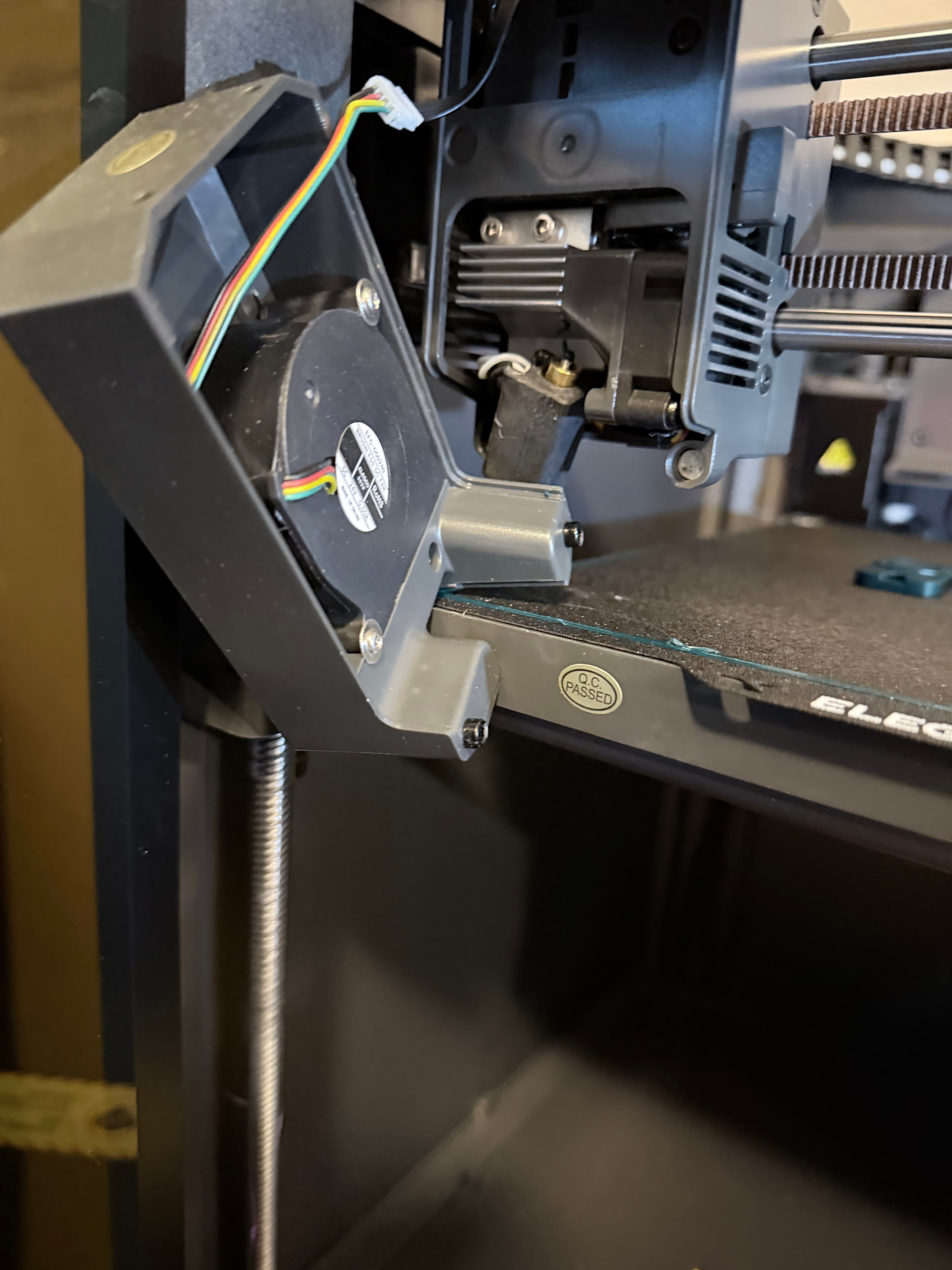
so last night I left a print on the bed and crashed my printer so hard that the fan/cover was knocked off the head (magnets) and the hot end was broken off 
I had a spare 0.4mm assembly to install, so in about half an hour, 20 of which was leveling the bed, I was back in action
speaking of, I think its wifi issue is the same reason Max 7 is having an issue. In Mac OS Sequoia devices prompt permission for internet stuff and it didn’t. Neither did the Elegoo slicer. It saw the printer but did not connect. in Max 7 the jsweb object isn’t connecting, either.
Unfortunately there is no way to add programs to the list manually. I just tricked the slicer software to finally ask, no more usb drives lol, and it should not prompt me “hey dumb bitch check the print bed!”
Max 7 is probably a lost cause without using a VM and an older version of Mac OS or Windows. At that point I might as well just pay for Max 9.
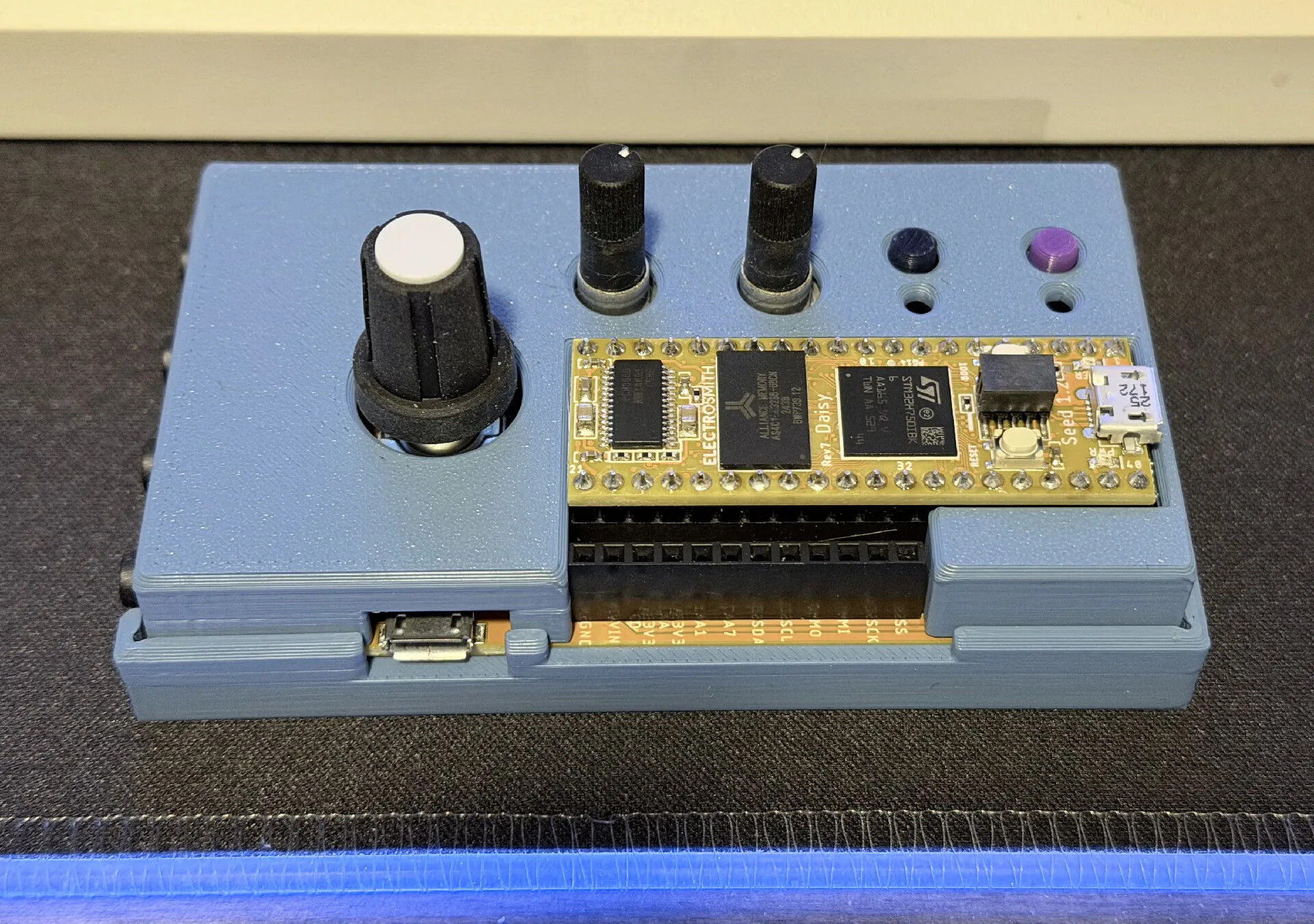
modified someone’s enclosure so it would work with the female header installed on the Pod’s board to access the remaining pins of the Daisy.
I’m also in love with this color, it’s Inland Cornflower Blue PLA (MicroCenter).
so ya girl got a Bambu P2S Combo which means the AMS 2 Pro
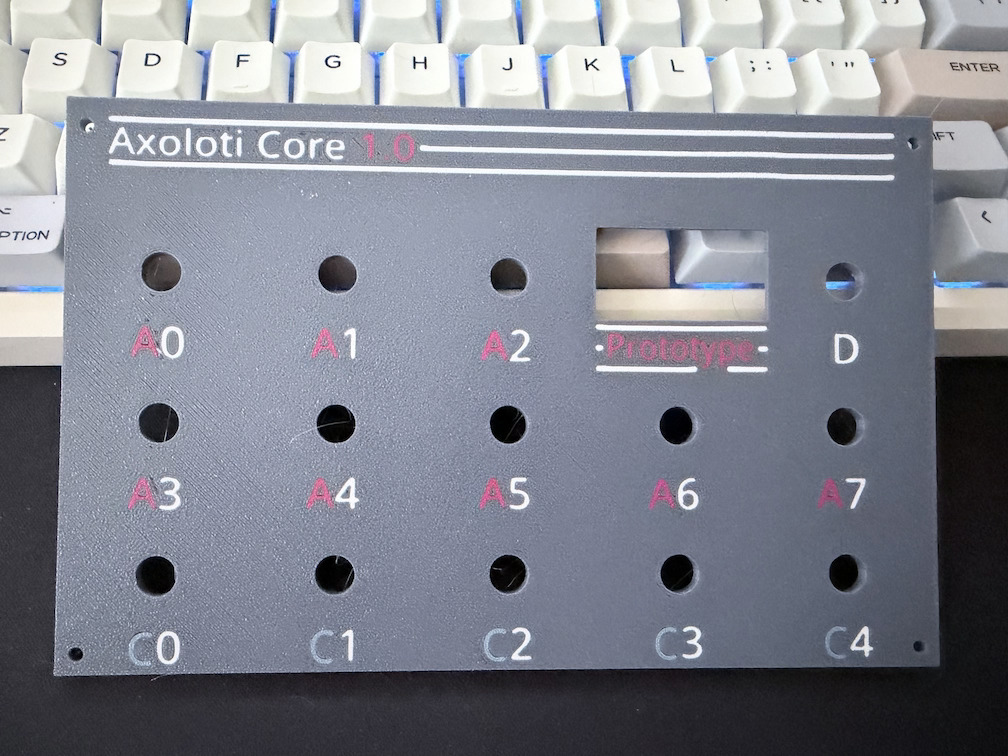
I should use a different color against the grey (I mean for C, it’s a grey-like blue) but I’m still happy with the results. I should not have added a partial line next to the P of Prototype, I didn’t do it on the top left with Axoloti. But hey it’s just for me and my prototyping thing
I am fully an AMS convert. It takes about 1m 35s to change colors, and I can probably make some of it more efficient using multiple plates, but this took about an hour and a half to print. The AMS 2 Pro also functions as a dryer, and the P2S can handle up to 4 of them o.O I don’t have the room for all that lol
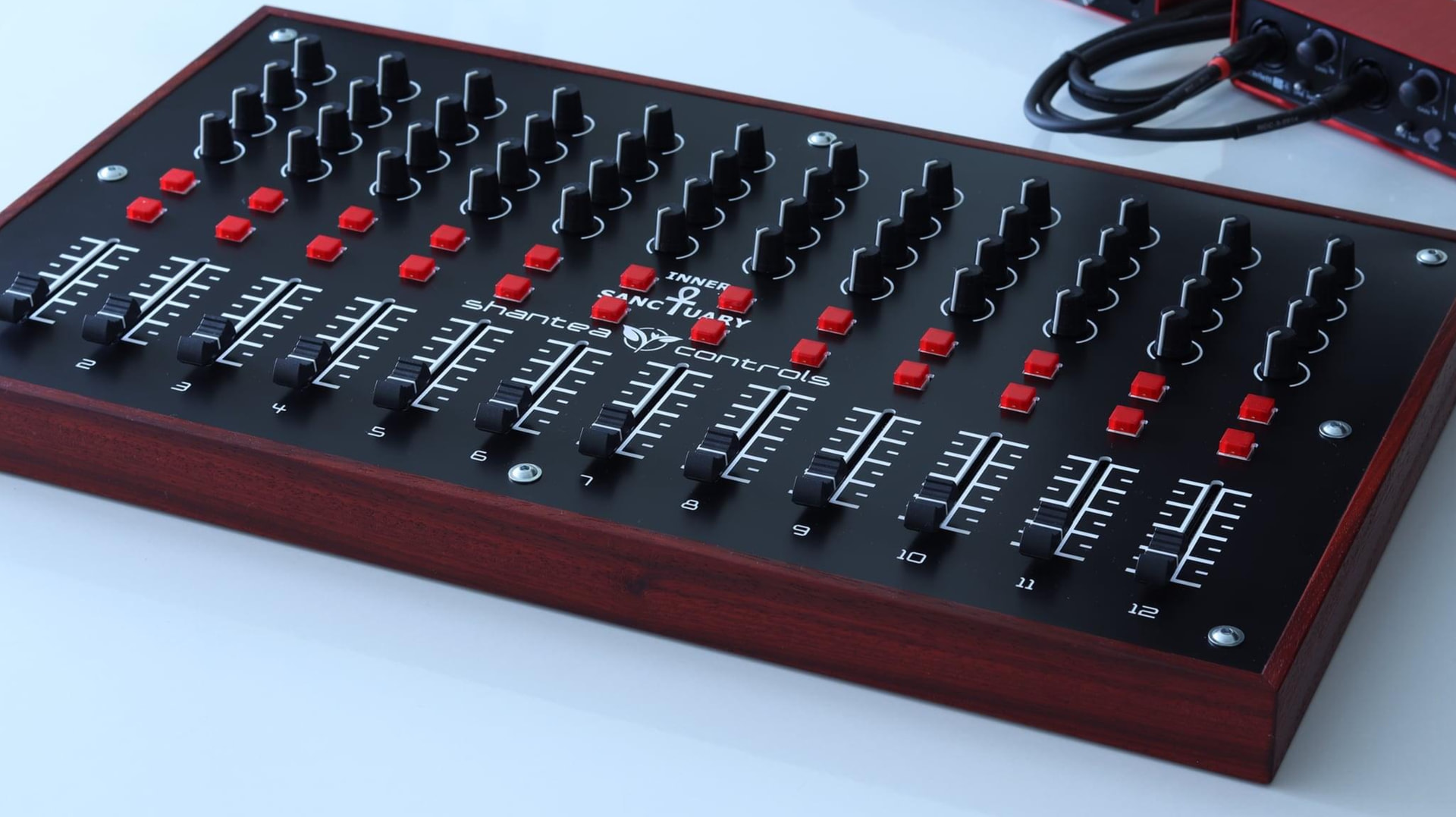
All of the projects built with that actually look cool as hell. Especially those arcade-stick looking buttons 
NGL, I’ve genuinely considered just duct taping a shitload of slide pots to my desk to use with a Pi Pico for the most ghetto pseudo-console in history. Cuts down on the cost, at least
Thread is awesome keep it going…or somebody pin it.